
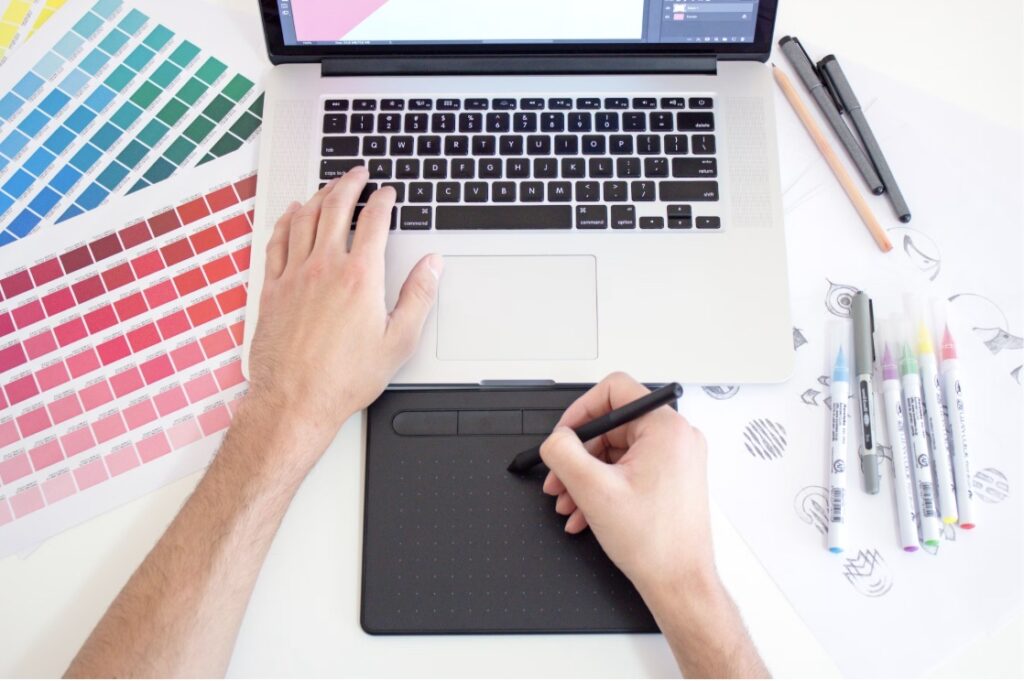
AI is no longer just a futuristic gimmick or a threat to creative jobs. For smart designers, it has become the workflow accelerator. It’s the digital assistant that handles the tedious, repetitive tasks so you can focus on what you actually love: high-level artistry and strategy.
Here are five powerful ways AI image tools are helping designers crush deadlines and work ten times faster.
1. Instant Mood Boarding and Concepting
Before you draw a single line or place a single vector, you have to get the client to agree on a vibe. Traditionally, this meant scrolling through Pinterest, Unsplash, or Behance for hours, trying to find stock images that sort of match the vision in your head.
AI completely bypasses this bottleneck.
Instead of hunting for existing images, you can generate exact visual representations of your ideas in seconds. Need a “retro-futuristic cyberpunk cafe drenched in neon rain”? Type it in. Within thirty seconds, you have four distinct visual directions to show your client.
By using AI for early-stage ideation, you can align with clients on color palettes, lighting, and overall aesthetic before investing days into actual production.
2. Change Aesthetics and Restyle Image with AI
Imagine you’ve designed a beautiful 3D product render, but the client suddenly decides they want a hand-drawn, watercolor illustration style for their social media channels. In the old days, you’d have to start from scratch or spend hours tracing and painting over your original file.
Enter the AI image restyle tool.
An AI image restyle tool like Pollo AI allows you to upload an existing image and apply a completely new artistic style to it while keeping the core structure, composition, and subject matter intact.
- Want to turn a photograph into a 1930s cartoon? Done.
- Need to convert a flat vector icon into a photorealistic 3D clay model? Easy.
- Want to see how your website hero image looks as a minimalist line drawing? It takes one click.
This tool alone saves designers countless hours of tedious manual re-rendering, allowing for effortless style experimentation on the fly.
3. Background Expansion (Outpainting)
We’ve all been there. You find the absolute perfect portrait photo for a website banner, but it’s cropped in a tight vertical square. The website design, however, requires a sweeping horizontal landscape.
Historically, this meant using the clone stamp tool, stretching textures, and praying nobody noticed the weirdly repeated grass patterns in the background.
AI outpainting (or generative expansion) has turned this nightmare into a three-second task. You simply place your image on a larger canvas, and the AI analyzes the existing pixels, lighting, and textures to seamlessly “paint” the missing parts of the scene. It extends horizons, adds realistic trees, and continues architectural lines perfectly, saving you from tedious photo-manipulation work.
4. Frictionless Prototyping
Sometimes, you don’t need a hyper-polished, enterprise-grade masterpiece. You just need a quick, rough sketch to prove a concept during an internal brainstorming session with your copywriter or project manager.
For these moments of rapid, low-stakes prototyping, you don’t need to boot up heavy, expensive software. Instead, you can turn to quick, highly accessible web-based tools.
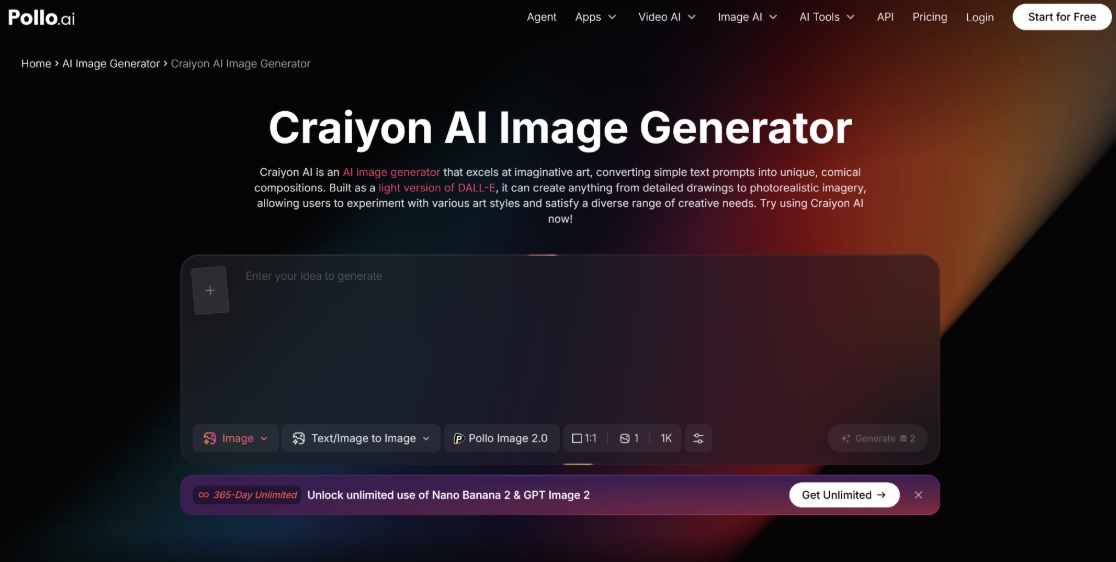
For instance, dropping a quick prompt into Craiyon AI (formerly DALL-E Mini) is a fantastic, hassle-free way to spitball ideas. Because it’s free and incredibly straightforward to use, you can quickly generate a handful of rough visual layouts or quirky icon concepts during a live Zoom meeting. It’s perfect for those “what if we tried this?” moments, allowing your team to visualize abstract ideas instantly without burning through your agency’s premium AI credits.
5. Super-Fast Object Swapping and Generative Fill
Need to change a model’s blue t-shirt to a yellow hoodie? Or maybe replace a modern laptop on a desk with a vintage typewriter?
Doing this manually requires precise masking, color matching, shadow creation, and texture blending. It’s a test of patience that drains your creative energy.
With AI-powered generative fill, you simply brush over the area you want to change, type what you want to put there, and let the algorithm do the heavy lifting. The AI automatically calculates the perspective, lighting, and depth of field of the original image, making the new object look like it was always there. What used to take an hour now takes a minute.
The Slide Effect: Work Smarter, Not Harder
At the end of the day, AI image tools aren’t here to take your job—they are here to give you your weekends back.
By automating the tedious parts of the design process—like extending backgrounds, restyling assets, and hunting for stock photos—you free up your brain to do what humans do best: think critically, tell stories, and build emotional connections through art.
If you haven’t integrated these tools into your daily workflow yet, start small. Try an AI image restyle tool on your next project, or use a quick generator for your next brainstorming session. You’ll be amazed at how much faster you slide through your to-do list.

