
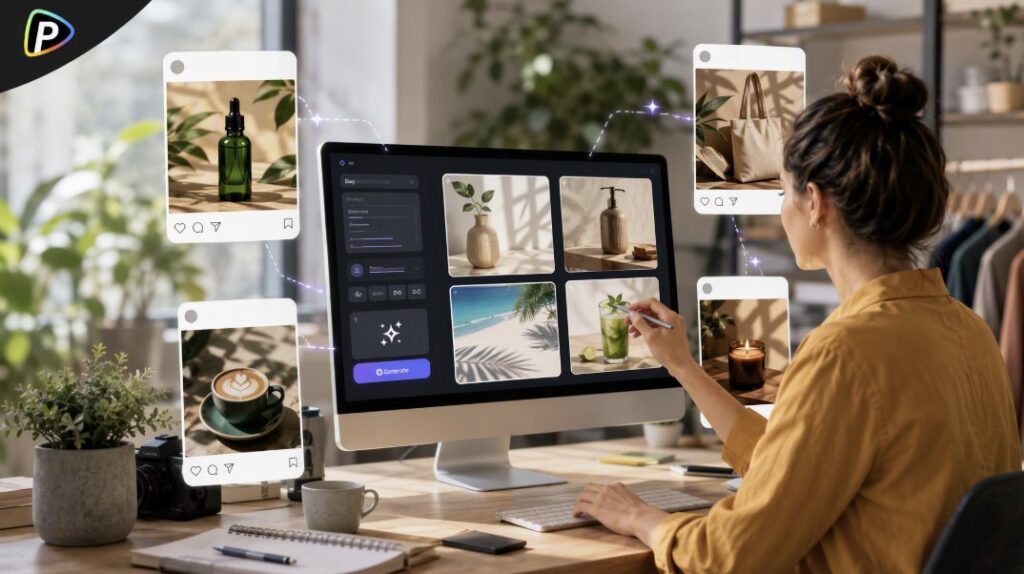
Small businesses often need fresh images for product launches, promotions, and seasonal posts. But creating every visual through a new photo shoot can be expensive and time-consuming.
Pollo AI’s AI image generator gives sellers another way to create social media visuals from a written idea or an existing product image. The best approach depends on what the post needs to show. A product image, a lifestyle scene, and a promotional graphic should be planned differently.
Start by Choosing the Type of Image
Before using the AI image generator from Pollo AI, the seller should decide what the image is for.
A product post should keep the item clear and easy to recognize. A simple background usually works best for new arrivals or product highlights.
A lifestyle image can show the product in use or in a setting that fits the target customer. For example, a reusable bottle could appear on a hiking trail, while a candle could be placed in a relaxed home setting.
Promotional posts need room for a headline, discount, or date. The seller should plan this space before generating the image.
The format matters too. Square images work well for many feed posts, vertical images suit mobile-first content, and wide images are useful for banners or cover visuals.
How to Create Social Media Images with Pollo AI’s AI Image Generator
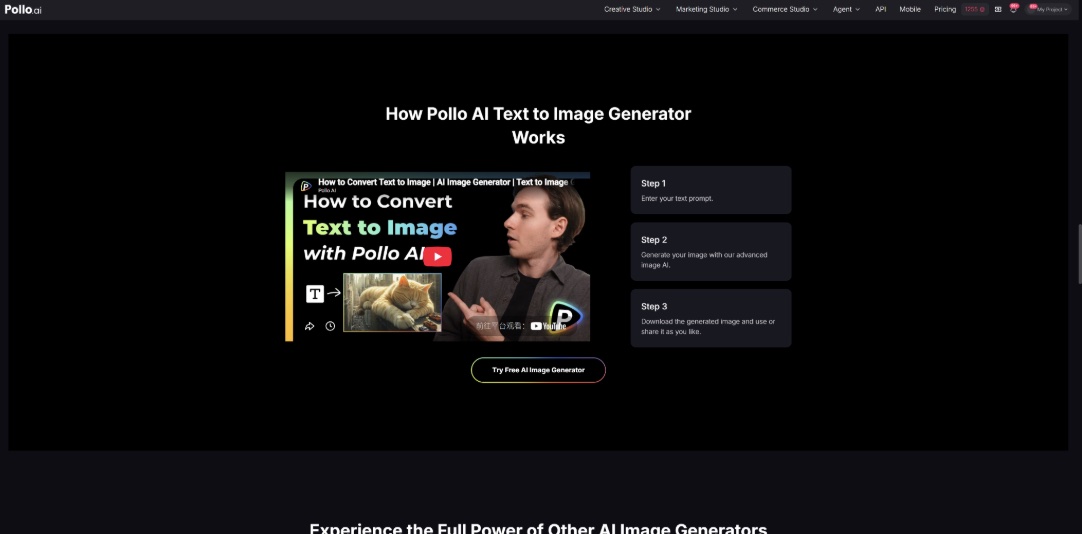
1. Pick a Style That Fits the Post
Pollo AI offers multiple image-generation models in one workspace. The seller can try different models when the first result does not fit the campaign. For social media campaigns that also require short video content, the DeepAI video generator can be explored alongside image-generation tools within Pollo AI.
Realistic images often work well for food, beauty products, furniture, and other items where texture matters. Illustrated or stylized visuals may be a better fit for holiday campaigns, service promotions, or educational posts.
The seller should choose a style that supports the brand rather than simply selecting the most dramatic result.
2. Describe One Clear Scene
The prompt should make the main subject obvious.
For example, a coffee shop could write:
“A cold brew coffee in a clear glass on a small wooden café table, soft morning sunlight, realistic photography, relaxed atmosphere, vertical social media format.”
This gives the image generator a clear product, setting, and mood.
Trying to include several products, locations, and visual effects in one prompt can make the image look busy. It is usually better to start with one simple scene and add details only when needed.
3. Use a Real Product Image for Important Details
Text prompts can create new concepts, but they may not reproduce a specific product accurately.
If the seller already has a good product photo, it can be used as a reference when the product has distinctive packaging, branding, or design details.
For example, a skincare brand could use a real bottle image and create a new bathroom or stone background around it. This can produce a fresh campaign image while keeping the product closer to its actual appearance.
The final image should still be checked carefully. Labels, edges, colors, and small details may change during generation.
4. Generate a Few Options and Compare Them
The first result is not always the best one. If the product looks right but the setting feels wrong, the seller can change only the background or lighting and generate another version.
For example, changing “bright modern kitchen” to “warm home kitchen with soft evening light” may be enough to shift the mood.
The seller should compare a few versions and choose the one that communicates the message most clearly. The most detailed image is not always the most useful for social media.
5. Add Text After the Image Is Ready
Product names, prices, dates, and calls to action are usually easier to control in a separate design tool. AI-generated text can contain spelling mistakes or uneven lettering.
The seller should also preview the finished post on a phone. Small text and detailed backgrounds may be difficult to see in a mobile feed.
Keep the Post Clear and Accurate
A social media image should communicate one main idea. A product post should make the item easy to recognize, while a seasonal campaign can use relevant colors or settings. Service businesses may focus on a clear result, such as a clean room for a cleaning company or a well-groomed pet for a grooming service.
Before publishing, the seller should check that the product’s color, shape, labels, and key details are accurate. The image should not show features or results the business cannot provide.
The final post should also be reviewed at its intended size. If the product looks too small, the text is hard to read, or the layout feels crowded on a phone, a simpler version may work better.
Conclusion
Pollo AI’s AI image generator can help small businesses create product posts, lifestyle visuals, and promotional content without arranging a new photo shoot for every campaign.
The process is straightforward: choose the type of image, build one clear scene, use a real product reference when accuracy matters, and review the final result before publishing. With a focused approach, sellers can create social media visuals that are easy to understand and relevant to their audience.

